Game Blockers Don't Work. Here's What Does.
You downloaded a game blocker on Monday. By Wednesday you’d found two workarounds. By Friday you uninstalled it and opened Clash Royale feeling slightly worse about yourself than before you started.
Game blockers are the most popular category of self-control app. They’re also the most frequently uninstalled. The logic sounds right: if you can’t open the game, you can’t play it. But you can always open the game. Because you control the blocker. You installed it. You can uninstall it. That’s the fundamental problem with every game blocker on the market — and every other app blocker on Android too.
Here’s what the options look like, what each one actually does, and why most of them fail for the same reason.
Do game blockers actually work?
Every game blocker uses some version of the same approach: prevent you from opening specific apps during specific times. The differences are in how hard they make it to cheat.
Basic blockers let you set a schedule. Games are blocked from 9am to 5pm. Outside those hours, you play as much as you want. The problem: you compensate. If gaming is blocked during work hours, you play twice as long after 5pm. Your total screen time doesn’t change. It just shifts.
Strict mode blockers like AppBlock add a lock. Once a block is active, you can’t disable it until the timer expires. AppBlock has 15 million users and a 4.7 rating. Their strict mode uses PIN protection and can even prevent you from uninstalling the app during a block session.
This works better. But strict mode is opt-in. You activate it when you’re feeling motivated at 8am. By 2pm, when the urge to play hits, you resent the past version of yourself who locked you in. And next time, you don’t enable strict mode. You tell yourself you’ll have more willpower this time. You won’t.
Cross-device blockers like Freedom block games across your phone, tablet, and computer simultaneously. $40/year subscription. The idea is that if every device is blocked, you can’t just switch to your iPad when your phone is locked. Freedom works across Android, iOS, Mac, Windows, and Chrome.
The workaround: you play on a device Freedom isn’t installed on. A friend’s phone. A work computer. An old tablet in a drawer. Or you wait out the block session and binge afterwards.
Friction-based apps like One Sec don’t block at all. They insert a 5-second breathing exercise before you open the game. The theory is that the pause breaks the autopilot and gives you a chance to reconsider. One Sec claims a 57% reduction in app opens.
This is the most honest approach on the list. It doesn’t pretend to lock you out. It just makes the opening conscious instead of automatic. The downside: once you’re past the breathing exercise, nothing stops you from playing for three hours straight. The intervention happens at the door. Inside, you’re on your own.
Why do people keep disabling game blockers?
The failure rate of game blockers comes down to one thing: you have root access to your own phone.
Every blocker can be disabled, uninstalled, or worked around by the person who installed it. Strict mode buys time, but it doesn’t change the underlying desire. When the block expires, you’re right back where you started, except now you’re also annoyed that you were blocked.
Parental control apps work better for this because the child doesn’t control the app. A separate adult manages the blocks. But you’re not a child. You’re an adult who installed a blocker on your own phone. The password is in your head. The uninstall button is in your settings. The same flaw shows up in site blockers — admin and inmate are the same person.
There’s a deeper problem too. Blocking treats the game as the enemy. It assumes that if you can’t access the game, you’ll do something productive instead. In reality, when a game is blocked, most people open a different time-wasting app. You can’t play Clash Royale, so you scroll TikTok for an hour. Then Instagram. Then YouTube Shorts. Your total screen time stays the same or goes up. You just redistributed it. That’s the whole shape of phone addiction — the compulsion doesn’t live in the game, it lives in the device.
Game blockers also create a strange psychological dynamic. The blocked game becomes the forbidden thing. You think about it more, not less. The moment the block expires, you binge. Psychologists call this the “rebound effect” and it’s well-documented in every form of restriction, from diets to screen time. Tell someone they can’t have something and they fixate on it.
The apps that survive this pattern are the ones that don’t restrict access at all. They change the experience instead.
What if the phone got ugly instead of blocked?
What if instead of blocking the game, your phone got progressively uglier the longer you used it?
That’s Cursed Screen. It doesn’t block games or any other app. Instead, after a configurable grace period, animated overlays start creeping in from the edges of your screen. Flames at the edges. Insects crawling across your display. Glass starting to crack. The longer you play, the worse it looks.
The game still works. All taps go through. You can keep playing Clash Royale with bugs crawling over the battlefield. But the experience changes from fun to uncomfortable. You don’t need willpower to stop doing something that feels gross.
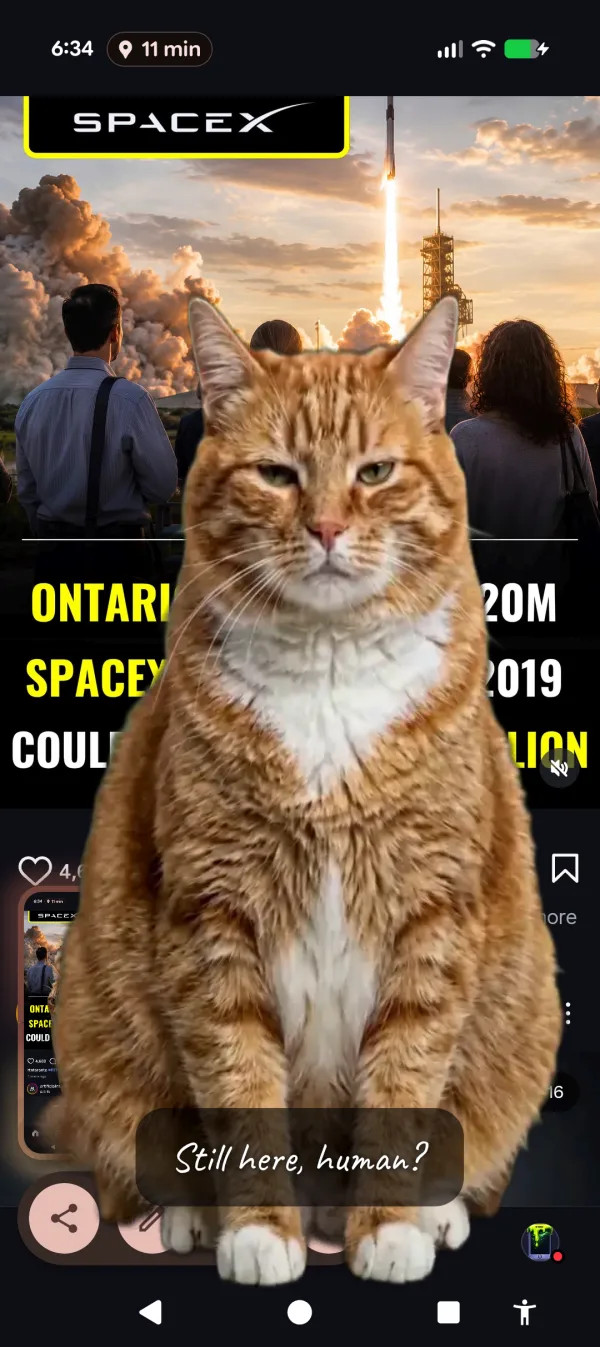
Keep playing. A deeply unimpressed cat will keep watching you do it.
This approach sidesteps the root problem with blockers: you don’t need to disable it, because nothing is blocked. There’s no lock to pick, no timer to wait out, no strict mode to regret enabling. The phone just looks increasingly wrong the longer you stare at it. And unlike a blocker, it works across all apps simultaneously. Switch from a game to TikTok? The overlay follows. It’s tracking your screen time, not your app list.
For people who respond to encouragement over punishment, there’s a positive mode that flashes aurora borealis and golden sunlight with messages like “the world misses you” between sessions. Same mechanism, different tone.
You can set a grace period so the first 10, 20, or 30 minutes are completely normal. After that, the overlay starts. It gets worse at minute 40 than at minute 20. By the time you’ve been gaming for an hour, your screen looks like it’s being consumed. Session-based tracking means putting the phone down starts reversing the effect. Three minutes of screen-off time forgives one minute of screen-on time. The phone rewards you for stopping.
How do game blocker approaches compare?
| Approach | Stops you from opening games? | Stops you once you’re inside? | Survives low willpower? |
|---|---|---|---|
| Basic app blocker | During scheduled hours only | No | No (easy to disable) |
| Strict mode (AppBlock) | Yes, until timer expires | No | Partially (can’t cheat during session, but you skip strict mode next time) |
| Cross-device (Freedom) | Yes, across devices | No | No (play on unblocked device) |
| Friction (One Sec) | Reduces opens by ~57% | No | Fades after a few weeks |
| Visual deterrence (Cursed Screen) | No | Yes (gets worse over time) | Yes (nothing to disable) |
No single approach is perfect. The question is which failure mode you can live with.
Blockers fail when you cheat. Friction fails when you adapt. Visual deterrence fails if you genuinely don’t care what your screen looks like (some people don’t; most people do). The difference is that the first two fail quickly and completely. You disable the blocker once and you’re done. You adapt to friction in two weeks and it’s background noise. Visual deterrence is harder to normalize because the overlays change, intensify, and trigger a visceral response that your brain processes differently from a notification or a countdown timer.
The comparison also matters for what happens after you stop gaming. A blocker releases you back to a normal phone. You’re one tap from opening the game again. Cursed Screen’s overlay is still there, making every app uncomfortable until you put the phone down long enough for the corruption to decay. It’s not app-specific. It’s phone-specific.
Which game blocker should you try?
If you’ve never used a game blocker before, start with ScreenZen. It’s free, adds friction before opening apps, and lets you set daily open limits per app. It’s the lowest-commitment option and it works for some people.
If you’ve tried blockers and keep disabling them, strict mode in AppBlock is the next step. The PIN lock and anti-uninstall features make it genuinely hard to cheat during a session. It costs $30/year.
If you’ve tried blocking and friction and neither stuck, Cursed Screen is a different category entirely. Free trial on Android. Subscribe monthly or annually, or pay once for lifetime access. It won’t block your games. It’ll make them look like they’re playing inside a phone that’s falling apart.
The game isn’t the problem. The phone is the problem. Treat accordingly. For a wider view across friction, blocking, gamification, and visual deterrence, see our roundup of apps to manage screen time.
Reduce your screen time — without blocking anything
Cursed Screen makes your phone progressively uglier the longer you use it. No blocking, no willpower needed — you'll want to put it down.
Get Cursed Screen on Google Play